Gallery
Scene samples — exteriors, interiors, structure.
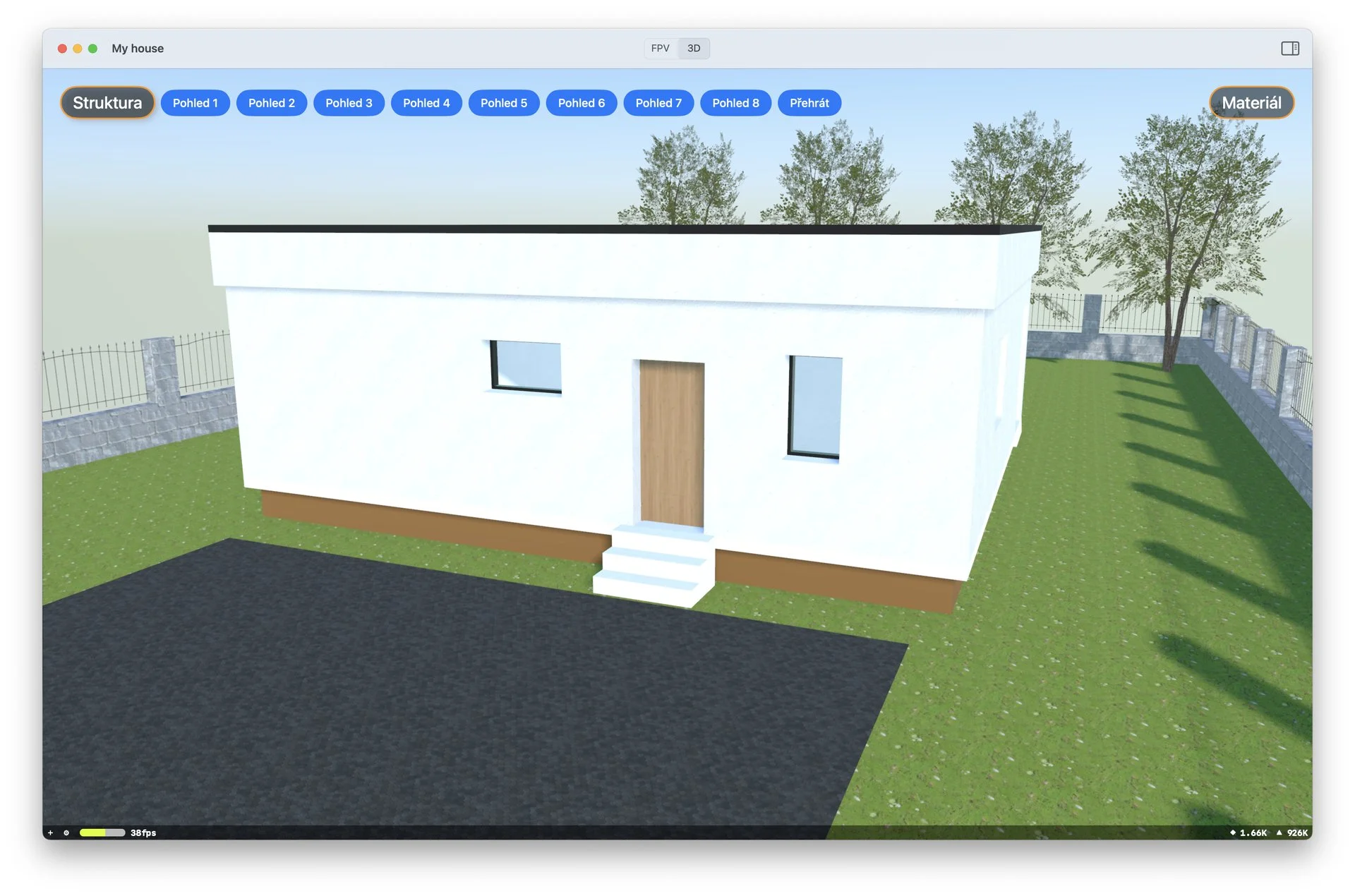
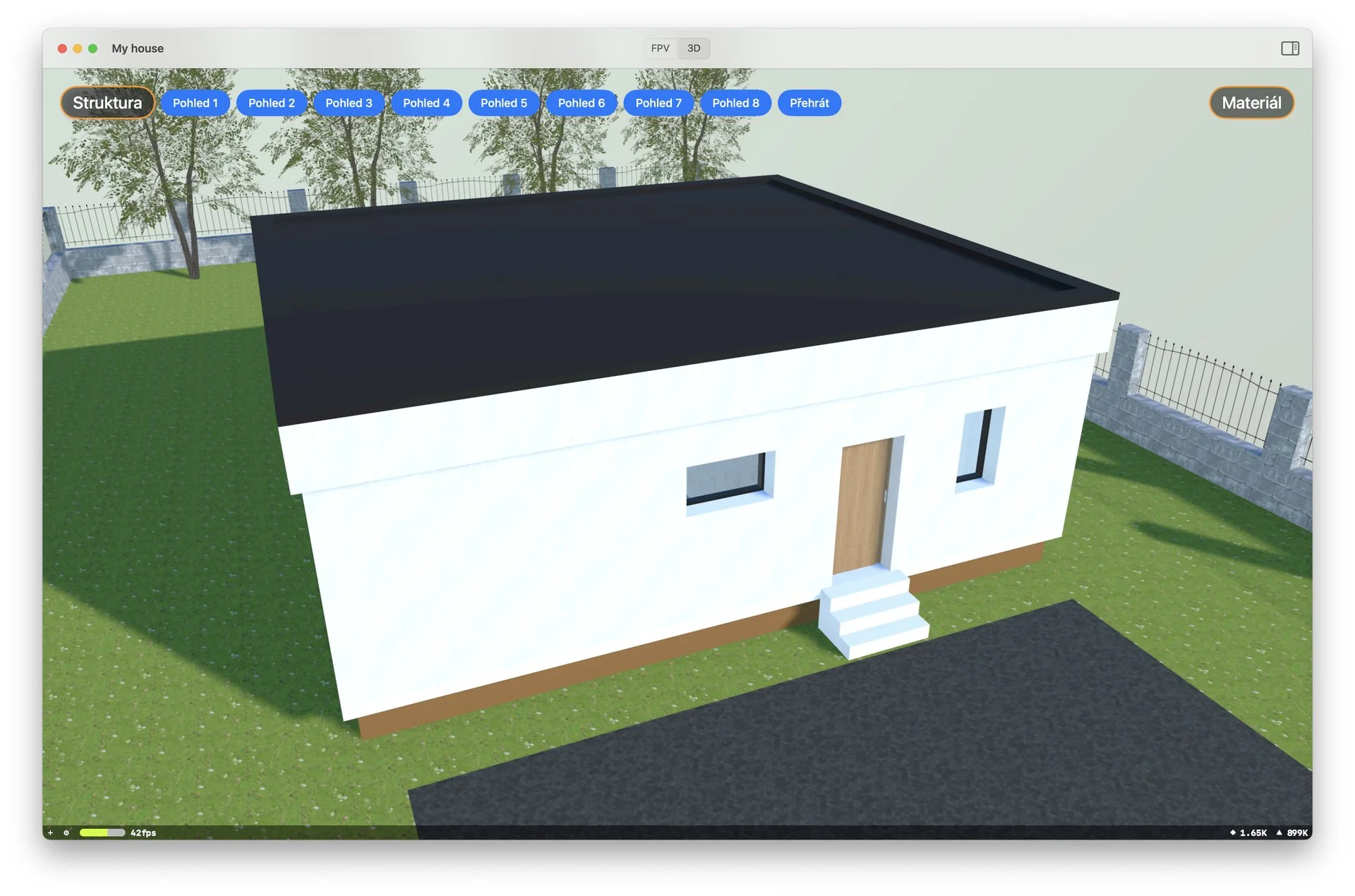
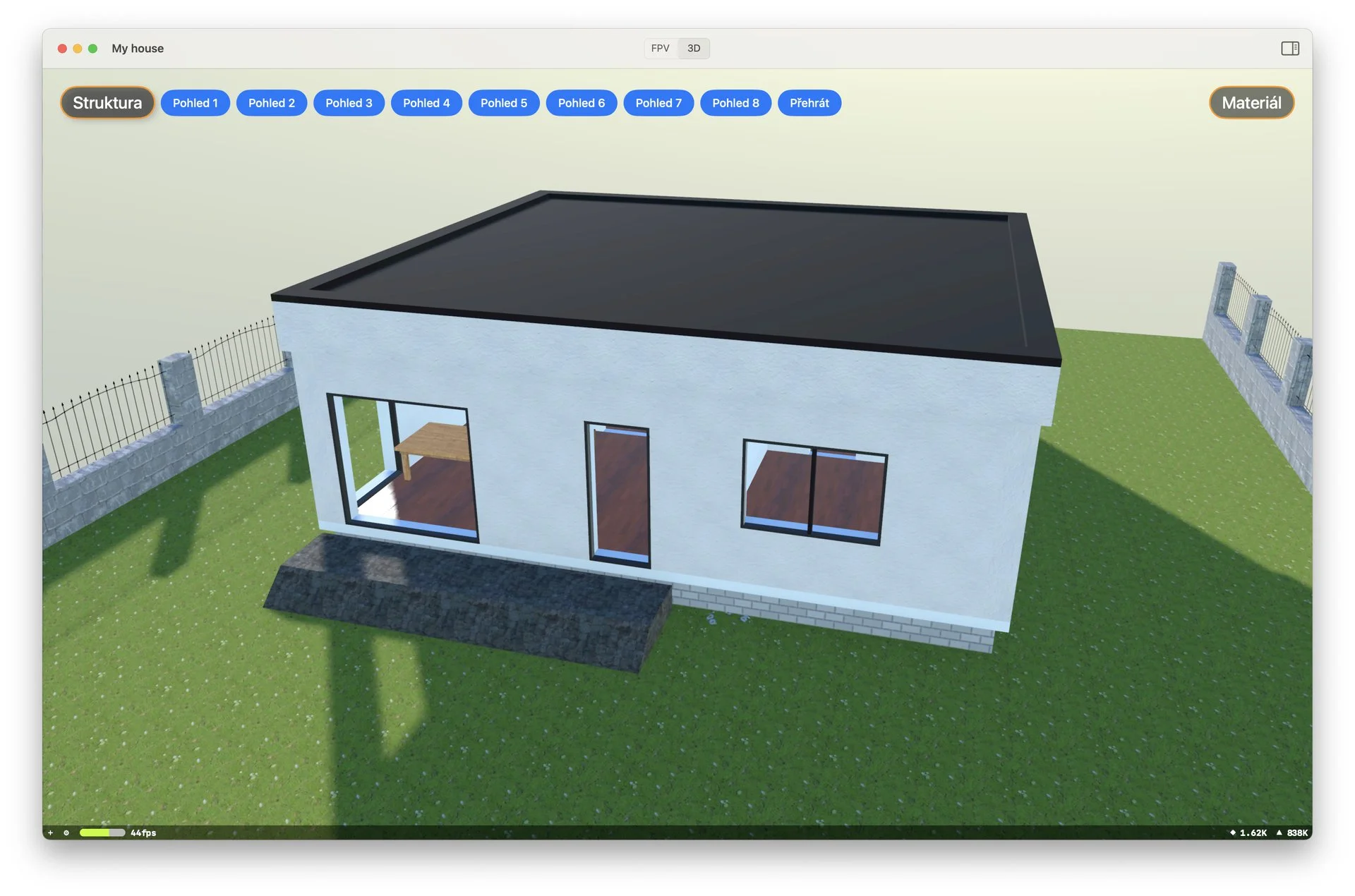
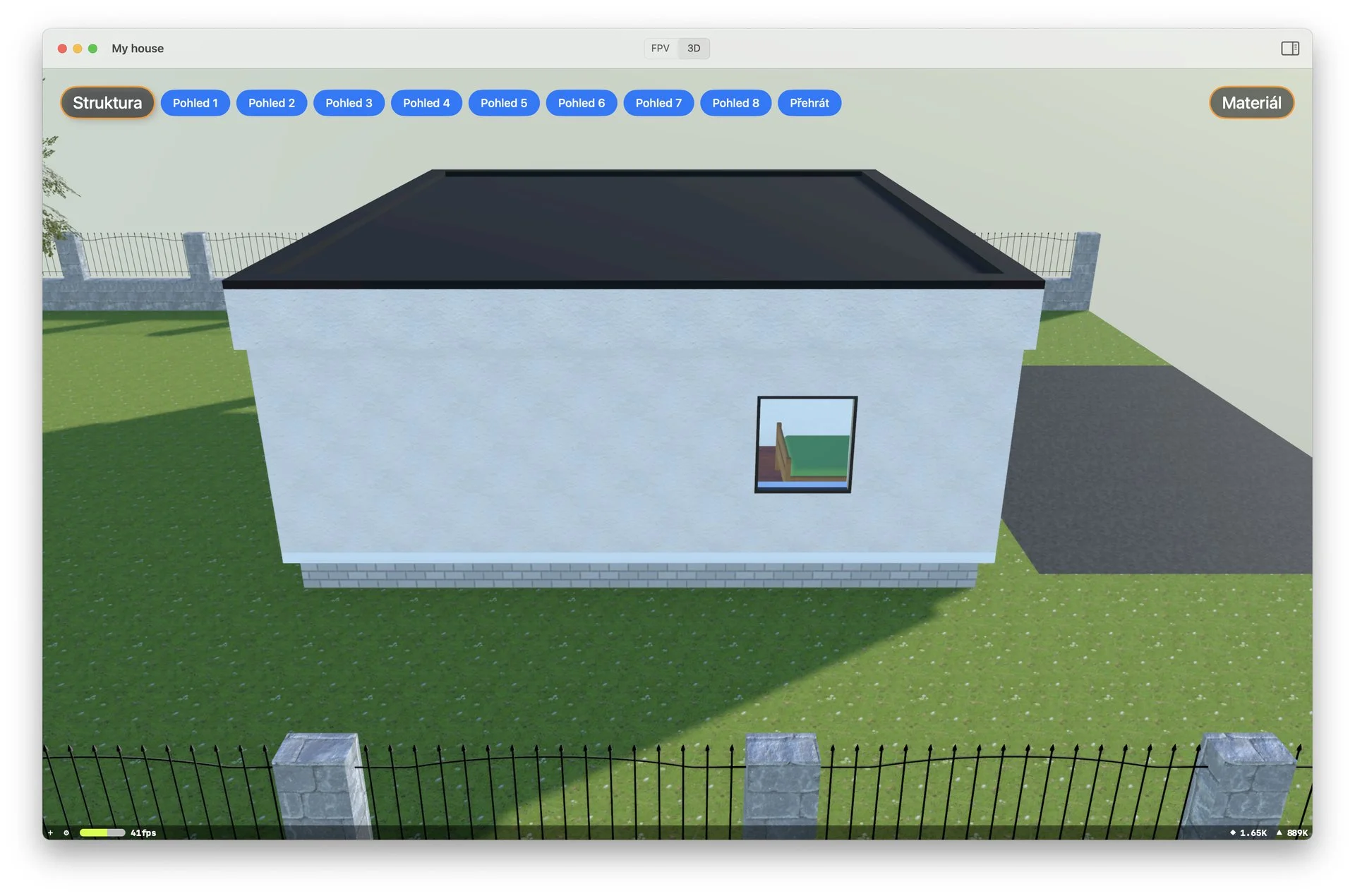
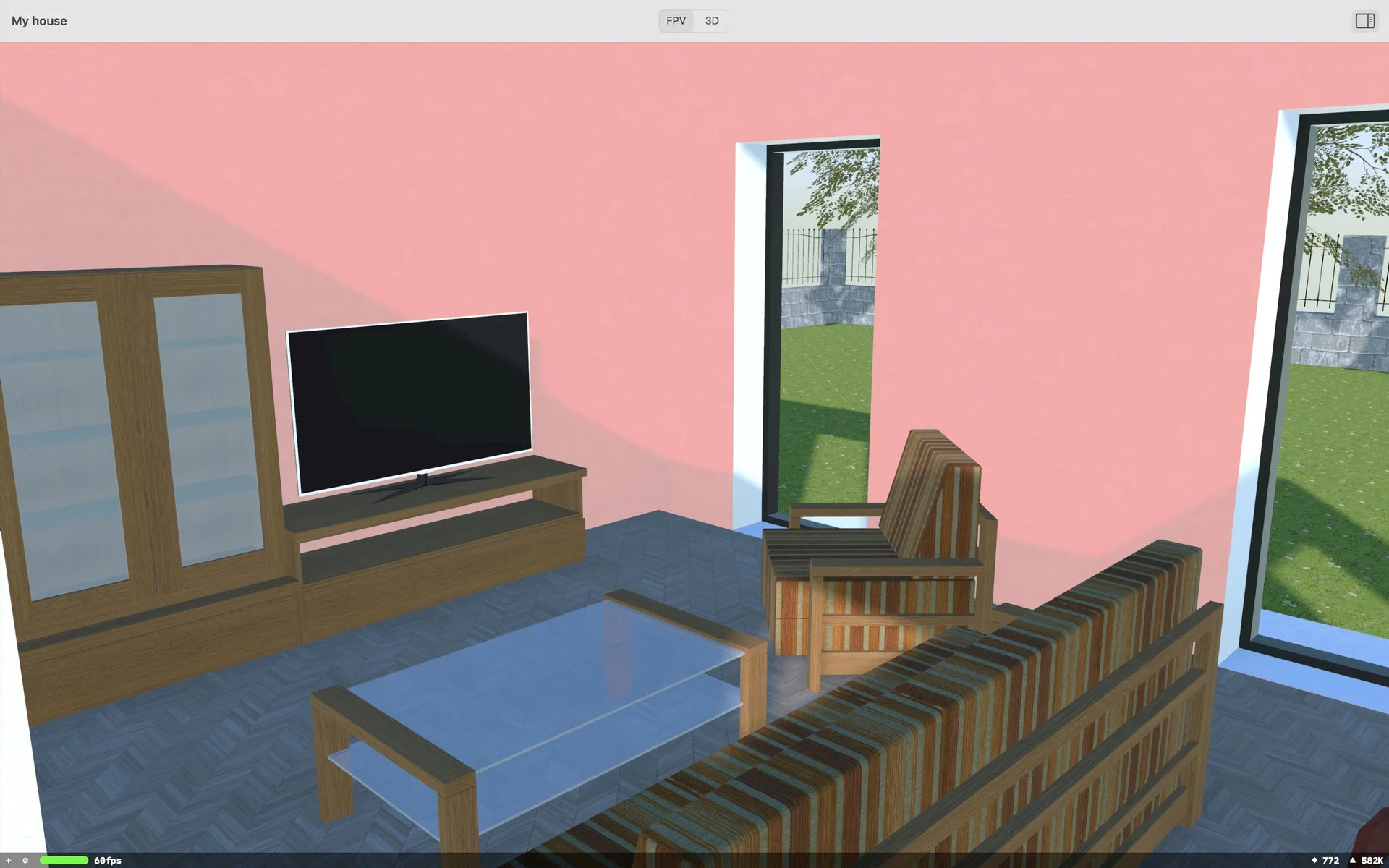
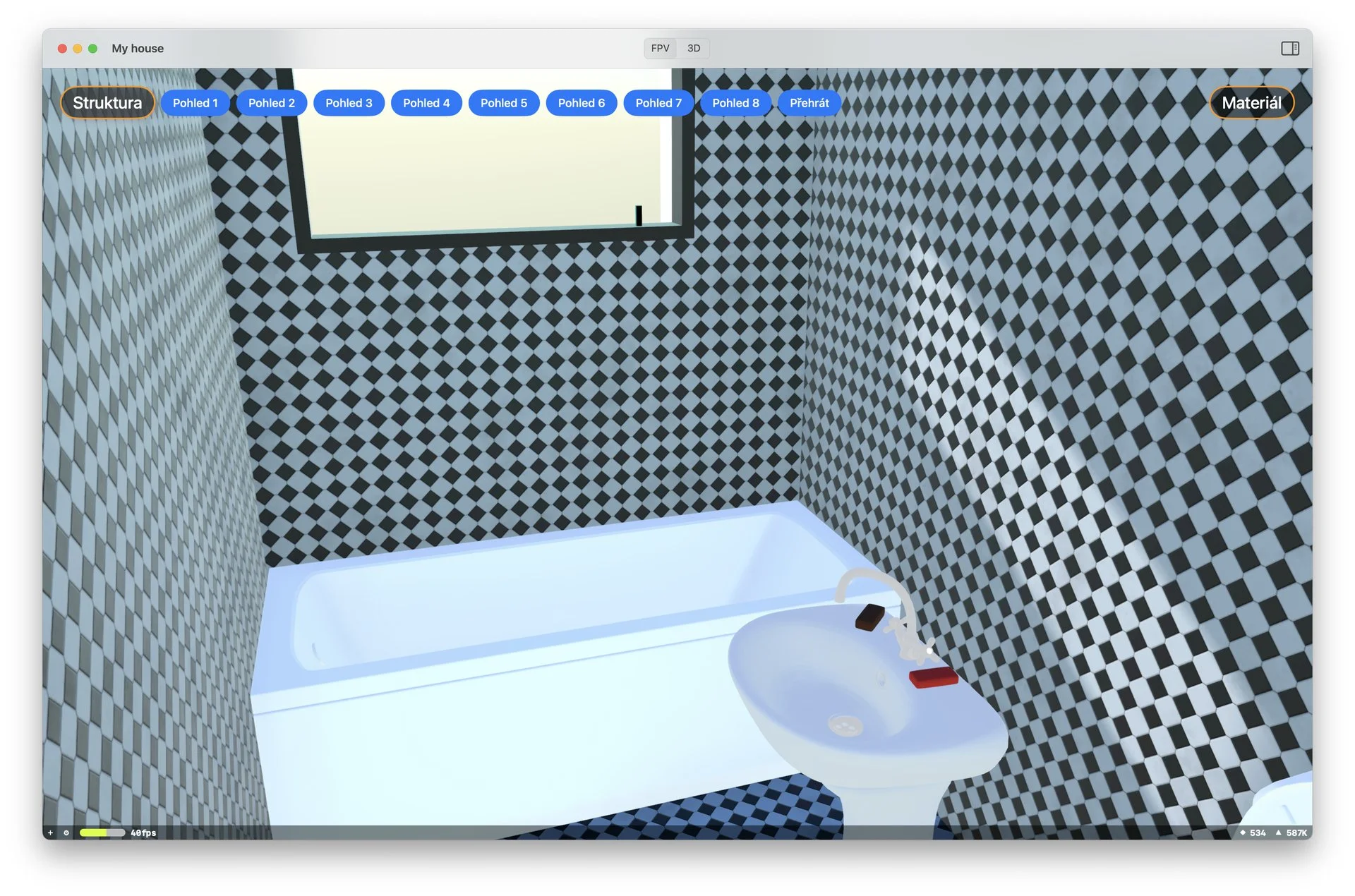
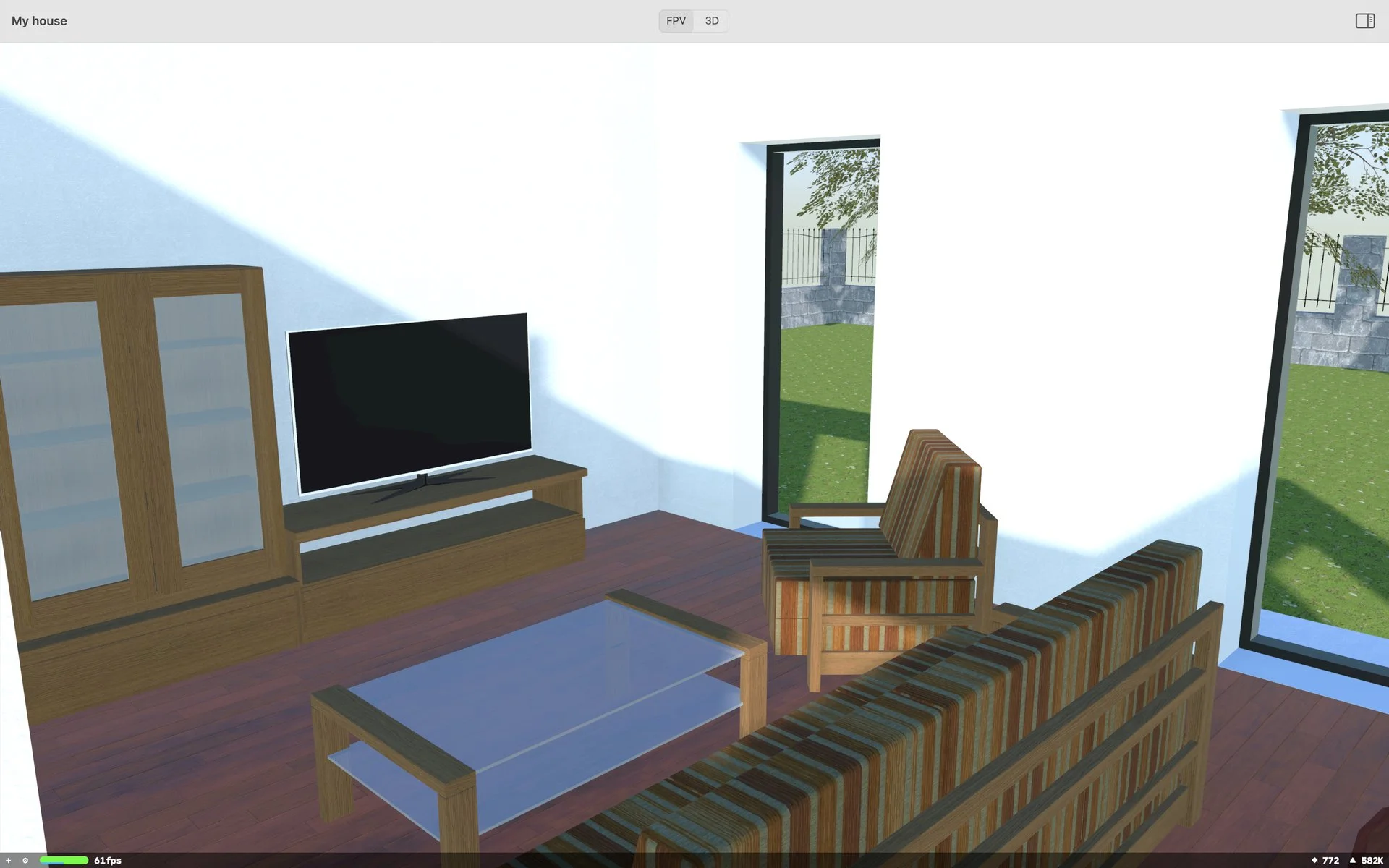
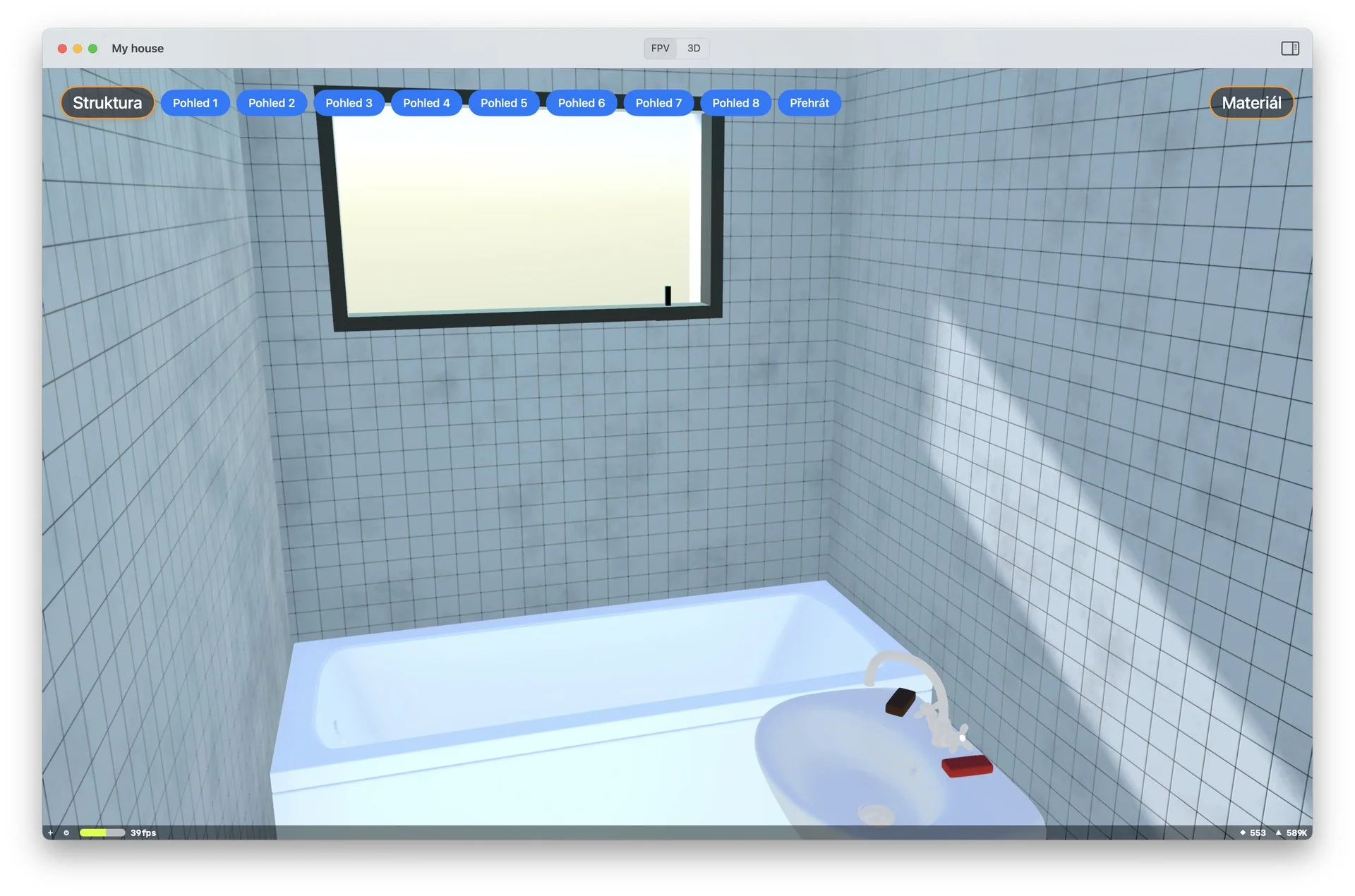
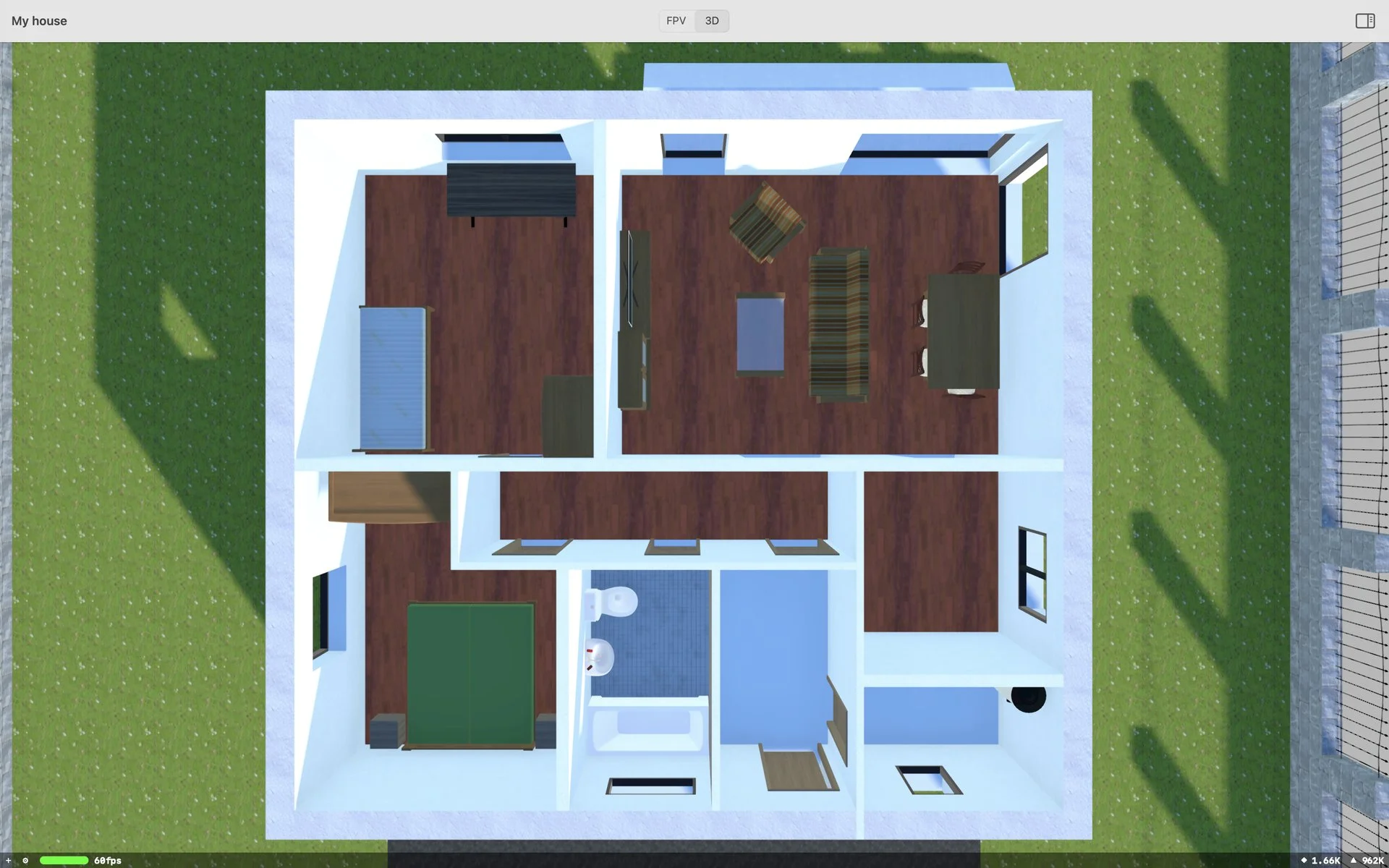
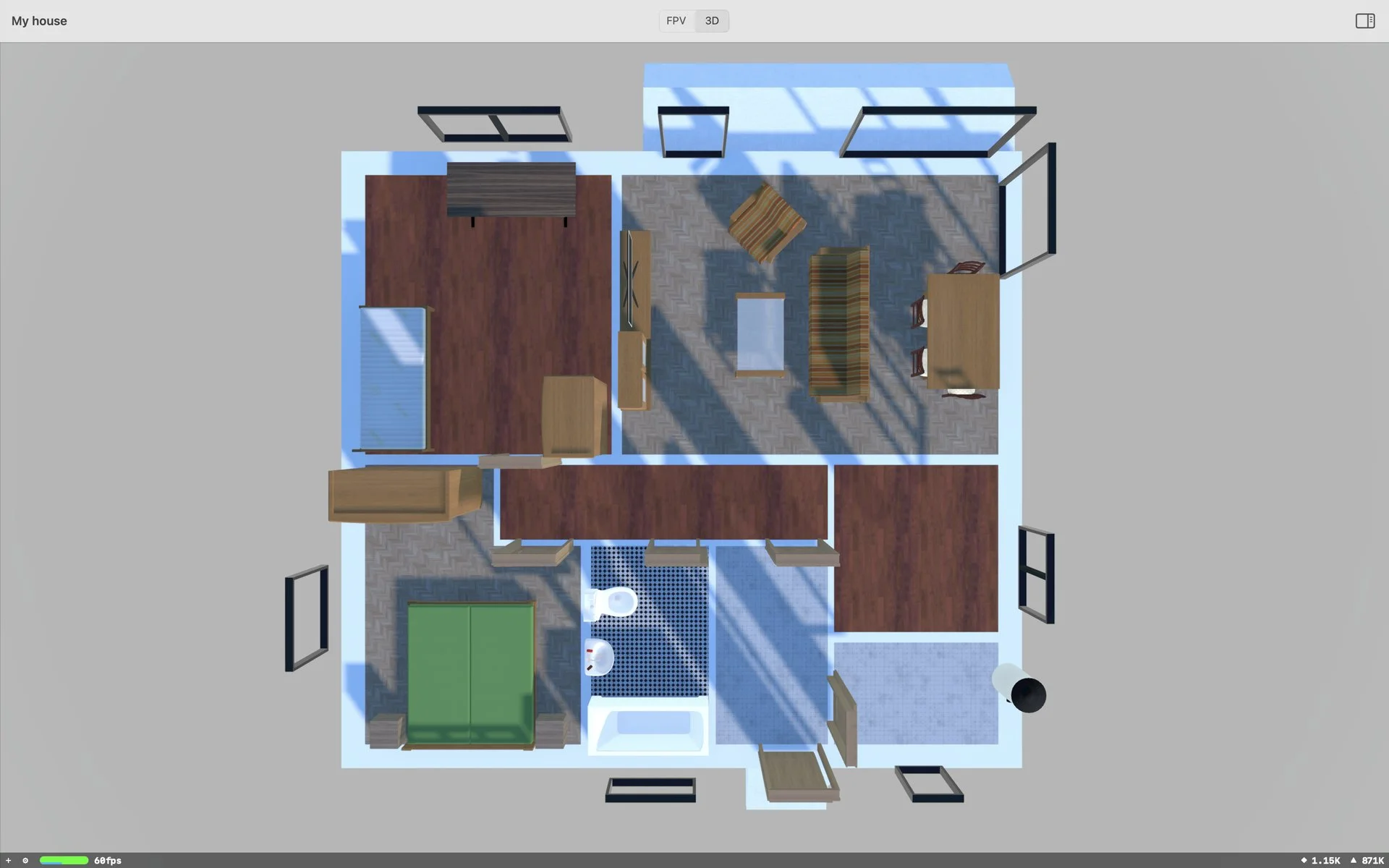
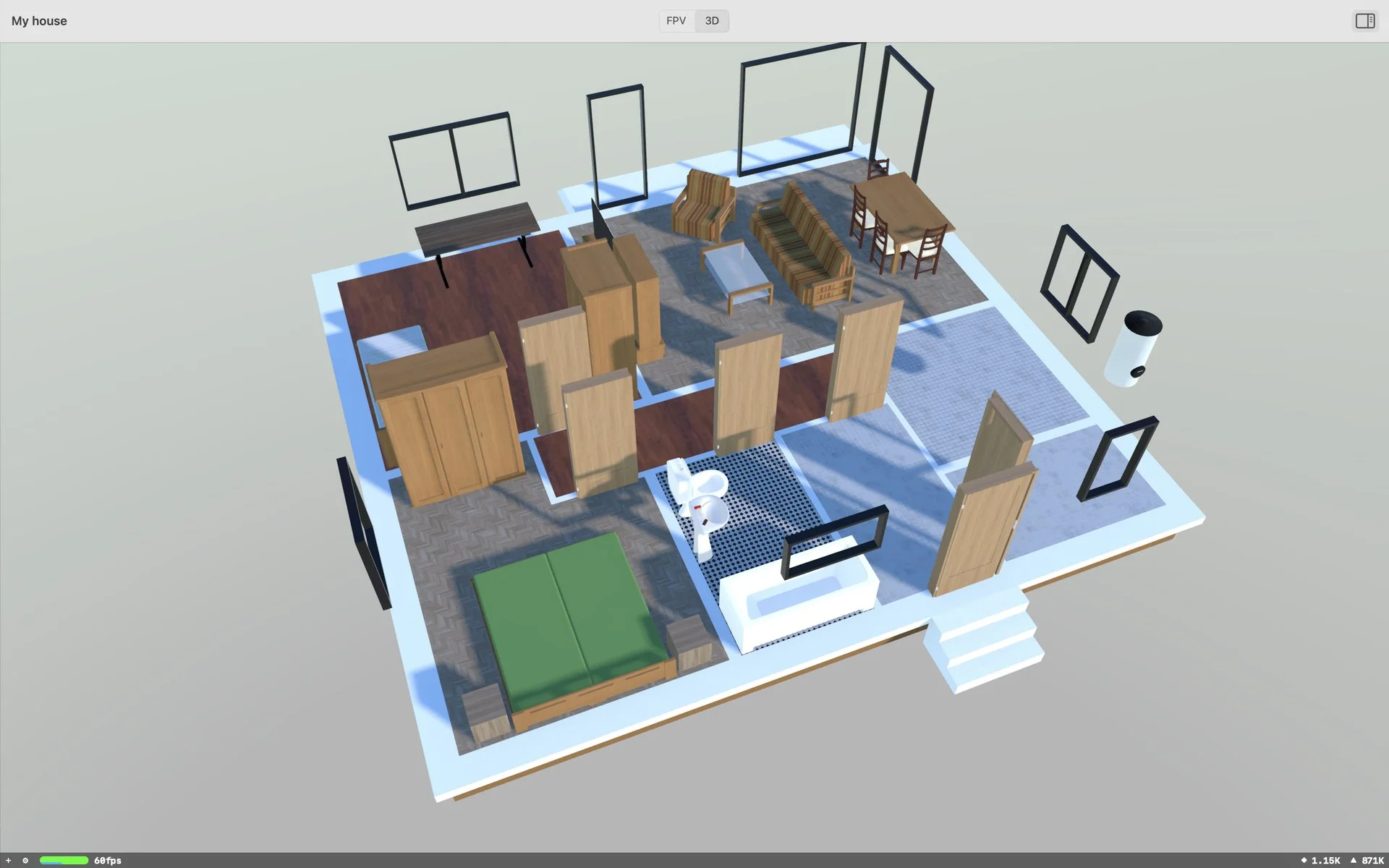
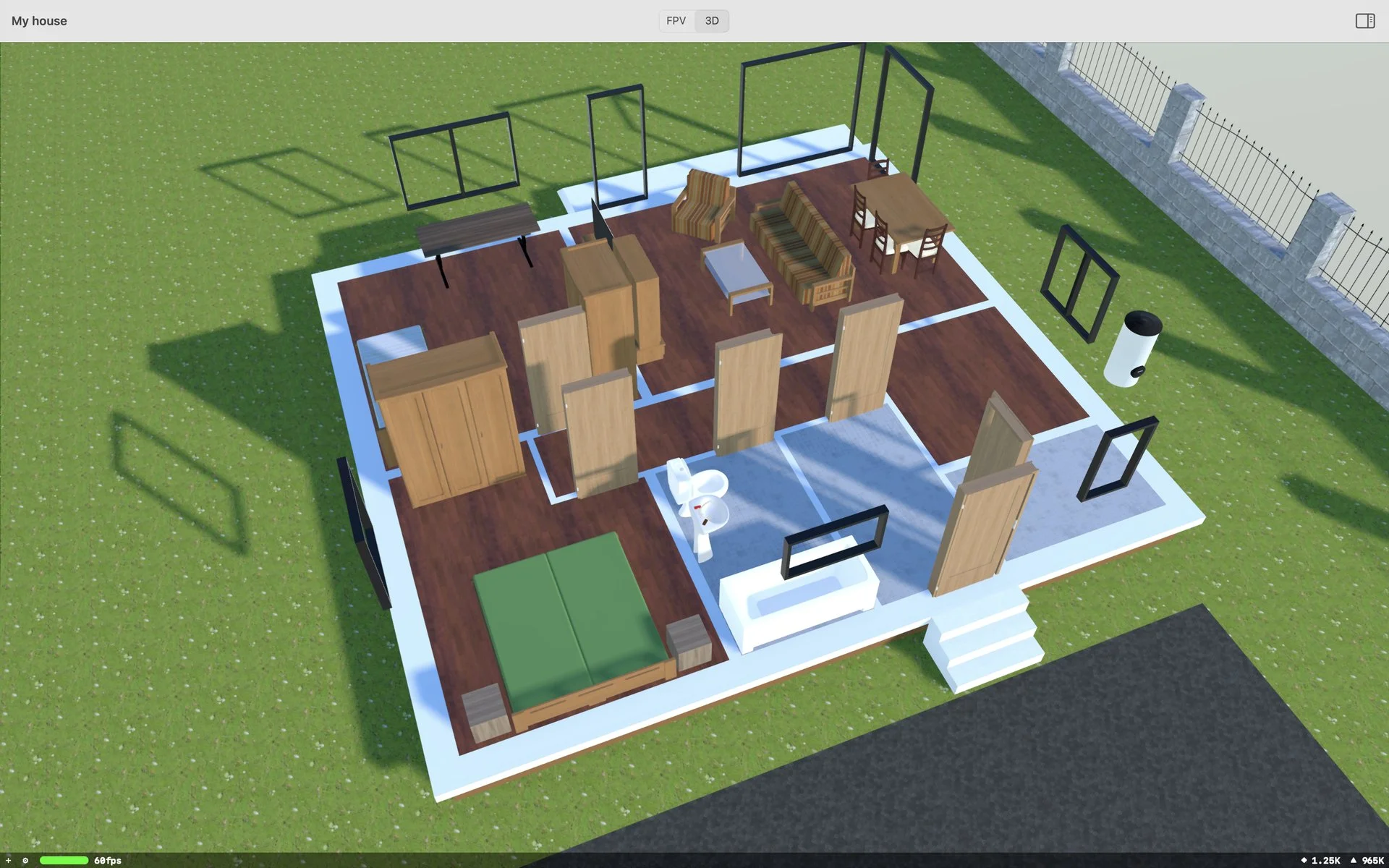
The 3D scene is assembled on the fly from BIM data and 2D drawings — no pre-baked models. Configuration changes show up in 3D instantly.
macOS iOS tvOS Web
macOS, iOS, tvOS and Web — from the salesperson's Mac to the client's tablet to a large TV in the showroom. Same project, same data, same 3D scene.
A change in the 2D configurator shows up in the 3D scene instantly. The salesperson can walk the client through variants — material choices, kitchen fit-out, wall colours — and independently stream the result to a second screen.
Floor plans, doors, windows, furniture, fences. Each configurator is a standalone module of the CAD core — they can be combined or deployed as a stand-alone app for a specific supplier. More about the modules.
Each module is a standalone layer over the CAD core. They can be combined in BIM Constructor 3D or deployed as stand-alone apps for a specific supplier.
Draw floor plans from wall templates (thickness, material), with automatic dimensioning and room assembly. On finished projects, editing can be restricted to selected walls only.
Door assemblies with live dimensioning and working mechanics. Configurator details →
Window and balcony-door assemblies of any shape. Opening division, element selection, surface finishes and accessories. Same CAD core as the doors.
Pick and place furniture and home accessories, surface finishes, state variants (folded-out / folded-away sofa). A standalone app for importing models from manufacturers.
Design fencing along the shape of the plot — posts, walls, gate, driveway gate. Fence types, colours and materials.
Scene samples — exteriors, interiors, structure.
Presenting developer projects to clients, modular flat and house variants, AR walk-throughs of the plot and the building before construction starts.
Configure modular homes against a real portfolio, a catalog of materials and fit-out, fast quote generation directly from the scene.
The salesperson configures on a Mac or tablet, the client watches the 3D scene independently on a large screen. Animated presentations for showrooms and trade fairs.
Or contact us directly: peter.molnar@in3dmodel.com · +420 773 056 567