Gallery
Scene samples — doors, windows, and the shared CAD core.
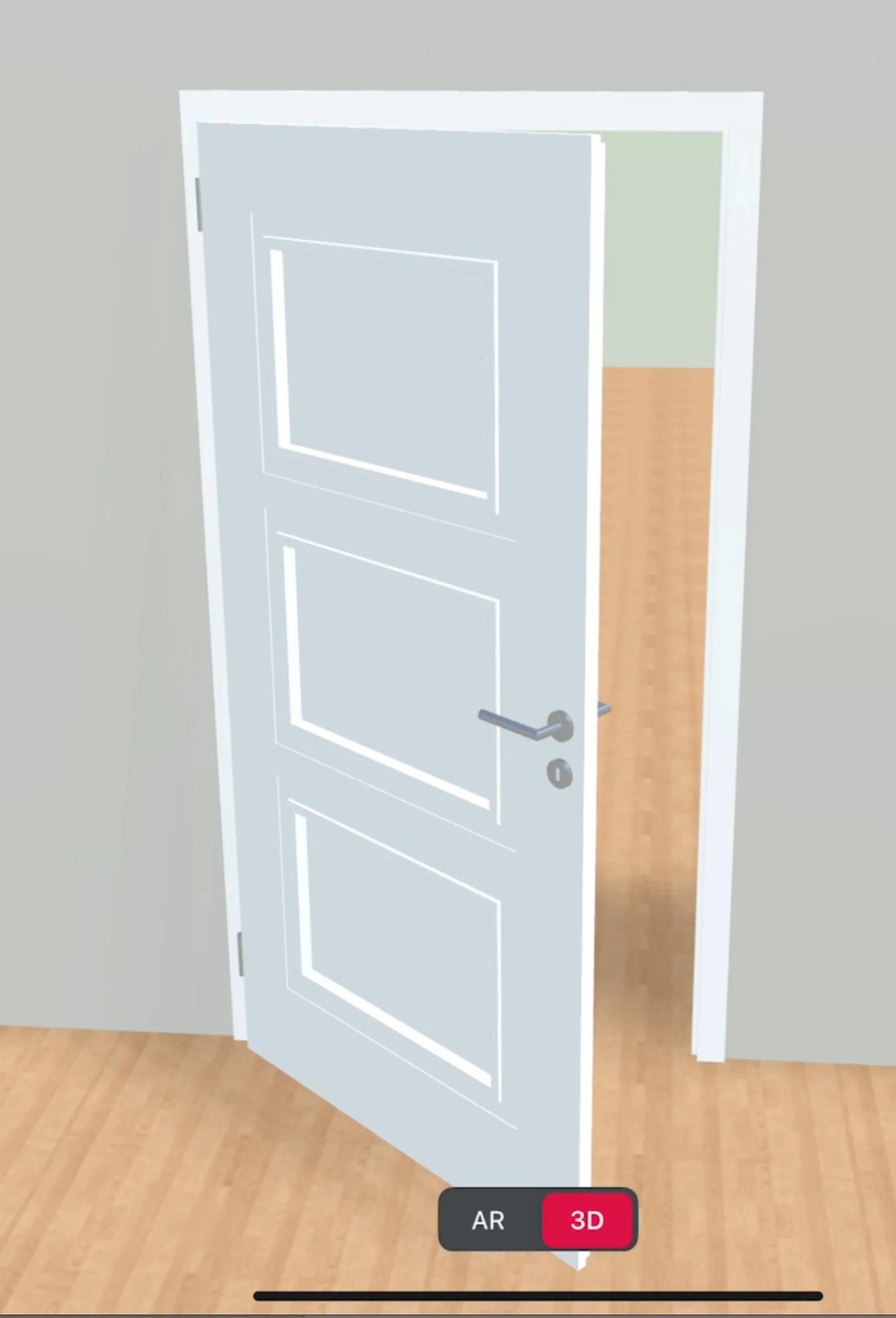
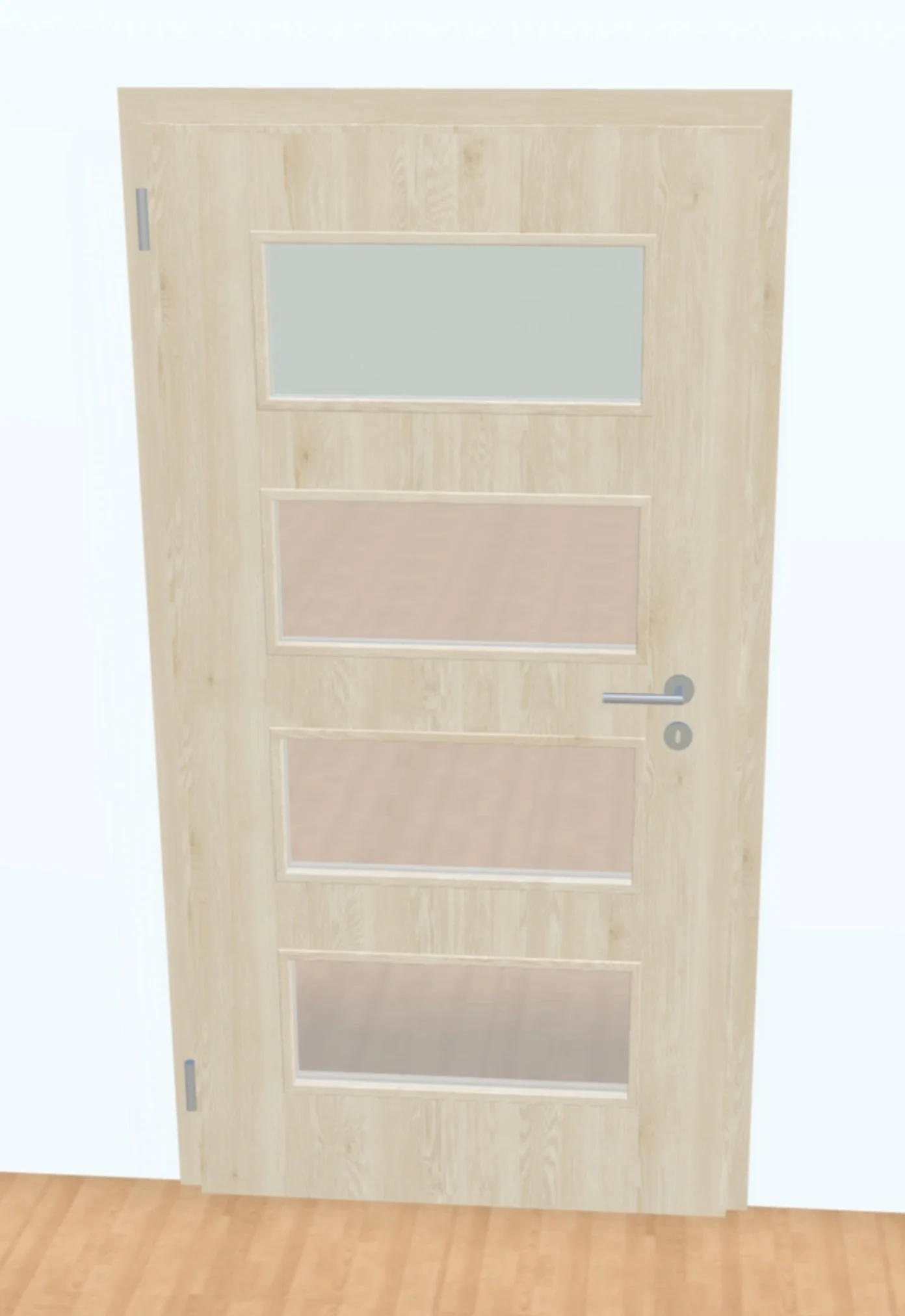
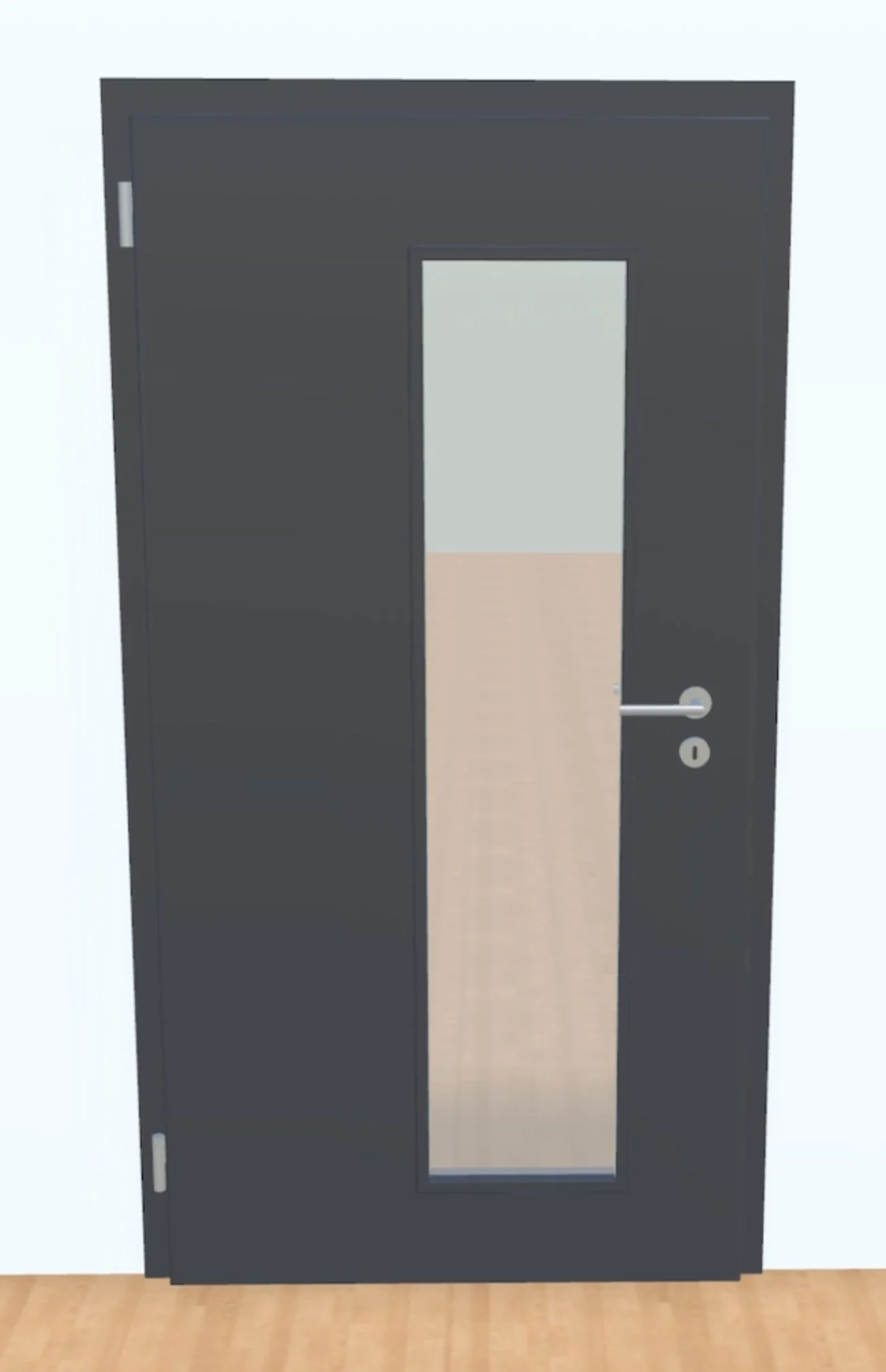
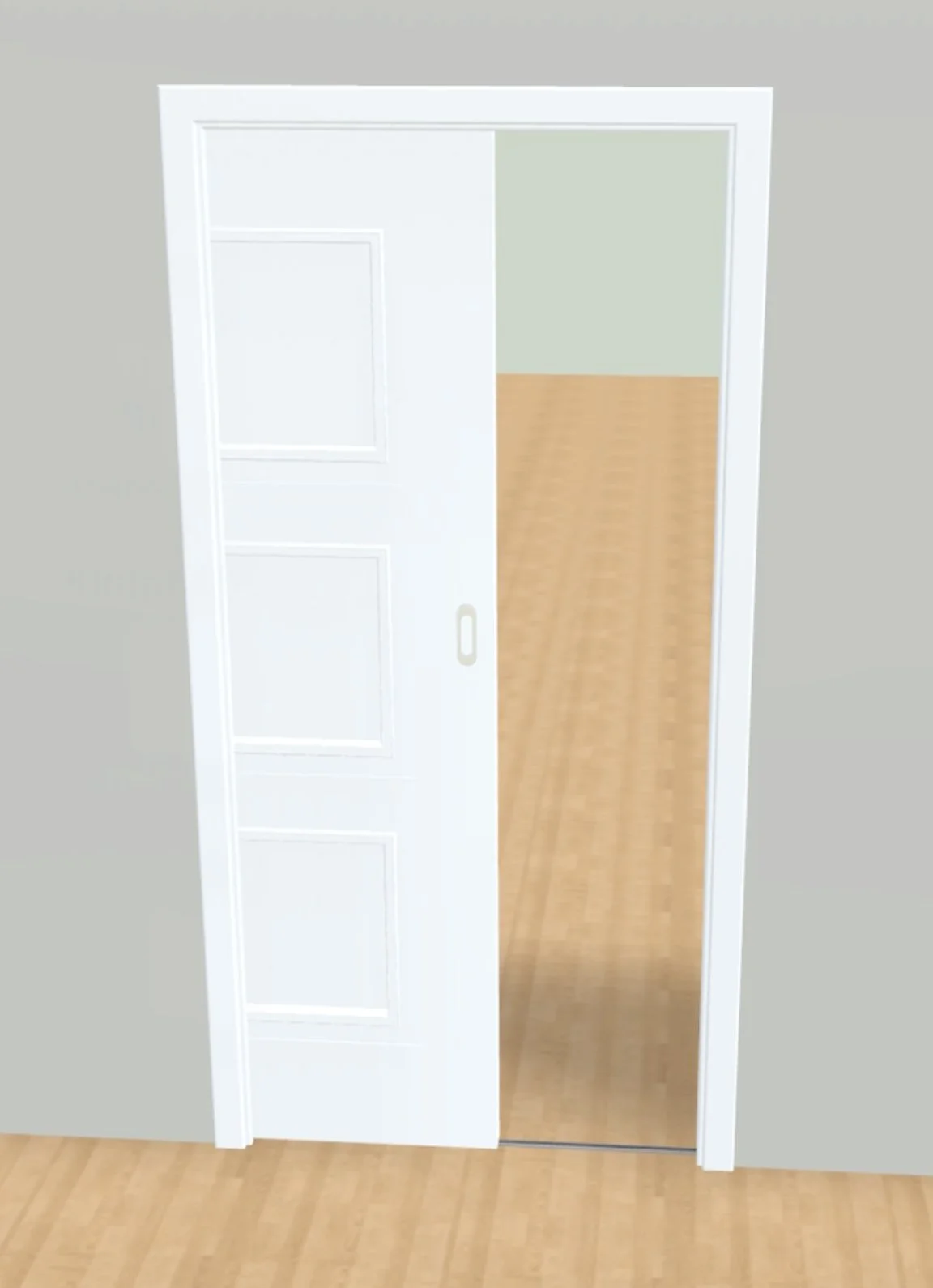
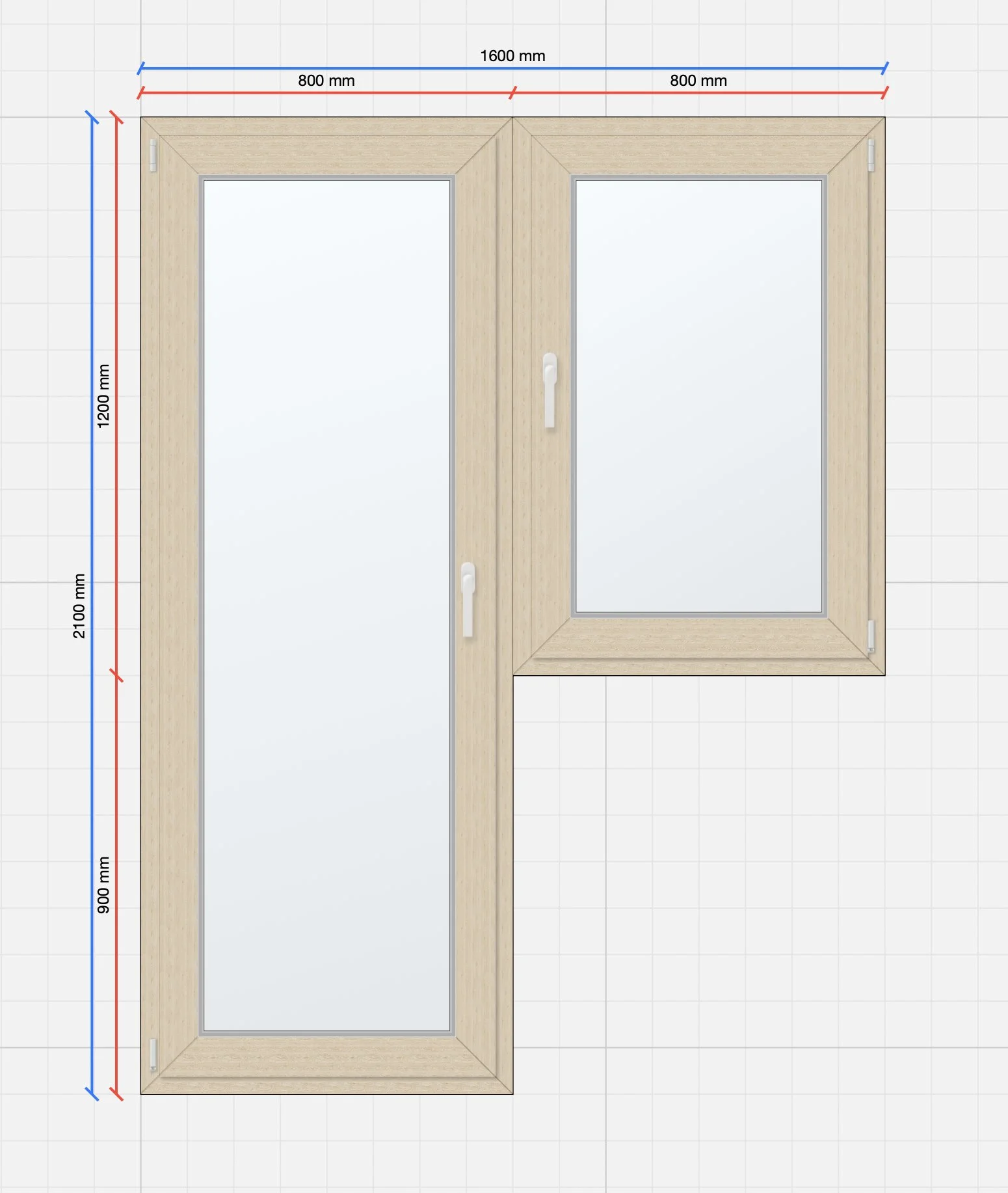
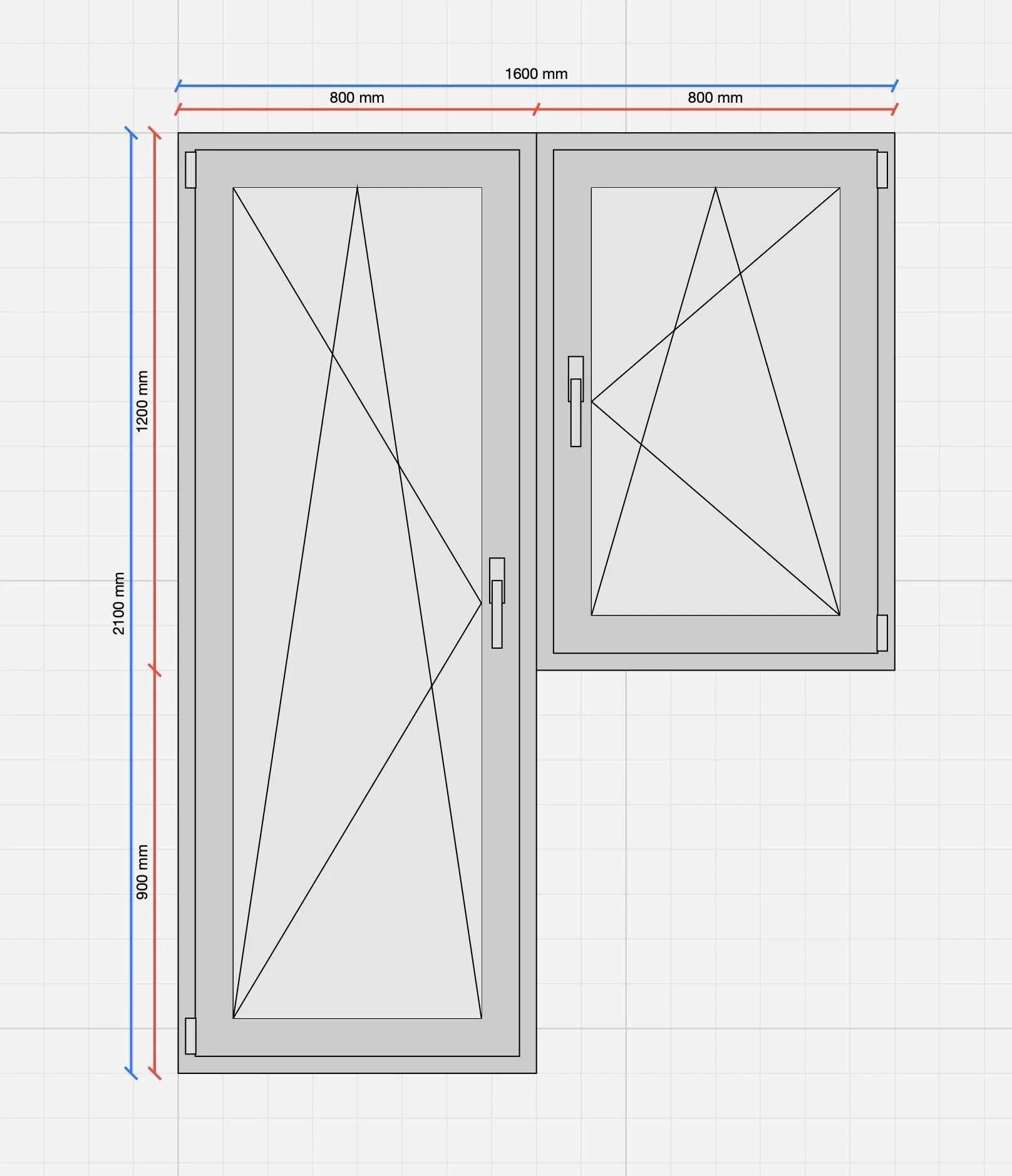
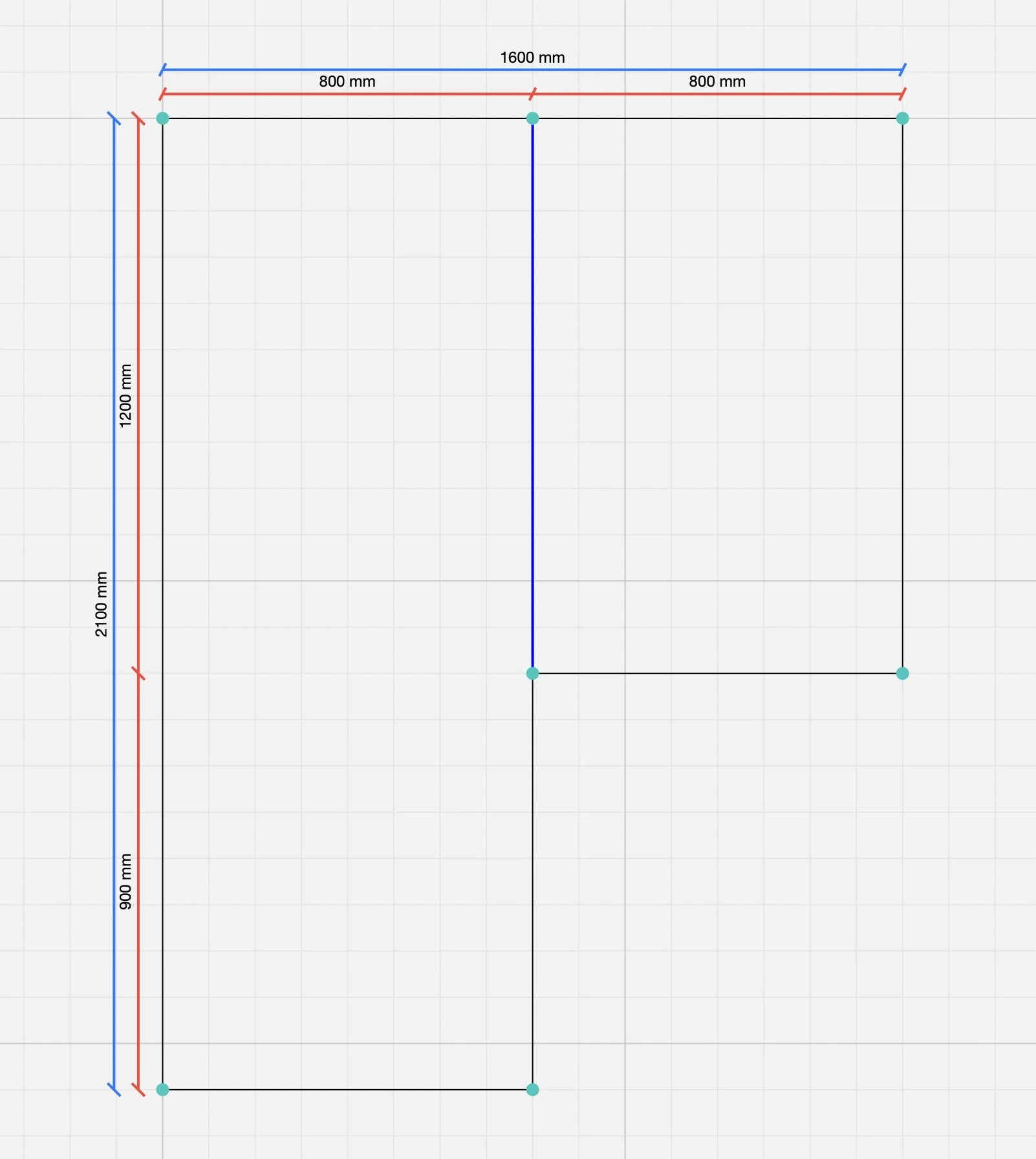
A CAD core with mathematically precise data, live dimensioning, real hinge and track mechanics, PBR textures. Configure doors and full assemblies in 2D, 3D and AR.
macOS iOS tvOS Web
Thanks to live dimensioning there's no need to pre-build combinations for different widths and heights. Example: the LINIE range — types 2S, 3S, 3SH, 3Sc, 3Sp, 5Sc, 2S1, 3S1, 3SH1, 3SC1, 3SP1 are the same model with different dimension settings. The whole range = 3 models.
To build a 3D door-frame model, all you need is the shape of the structural opening and its profile. Arched, atypical and classic variants — everything is generated automatically. The same live dimensioning as for the doors themselves.
The 3D renderer "wraps" models in textures — no tweaking decors for each model individually. PBR materials define colour, reflectivity and roughness. Frosted glass, ornaments and realistic light refraction are just parameters, not pre-baked combinations.
Almost every element is generated mathematically from parameters. The only things that still need pre-built 3D models are handles and small accessories.
Generated from parameters: width/height/depth range, glazing count and shape, rebated or rebate-less. One model covers swinging, rebate-less and sliding variants.
Mathematically defined grooves with any profile, position, size and shape. They can carry their own inserts. Live dimensioning keeps the position correct for every variant.
The 3D frame model is built from the shape of the structural opening and its profile. Arched and atypical shapes with no need to prepare models upfront.
The CAD core generates mouldings and muntins from a mathematical profile description matching the glazing shape, with smooth transitions. No pre-built models.
Decor textures are applied in a single step, with optional orientation (H/V/angle). PBR materials support reflectivity, roughness and photoreal glass rendering — ornaments included.
The only elements that need pre-built 3D models. Import from any 3D/CAD editor, attach mount points, and the CAD core handles the rest.
Scene samples — doors, windows, and the shared CAD core.
A whole door range defined as a handful of parametric models. Exact dimensions and cut lists exported straight into manufacturing systems.
Photoreal 3D and AR presentations with real mechanics — the client opens the door, swaps the decor, tries a glazed variant. All in real time.
Mathematically precise data that converts into 2D drawings and project documentation. Support for atypical opening shapes, including arched frames.
Or contact us directly: peter.molnar@in3dmodel.com · +420 773 056 567